


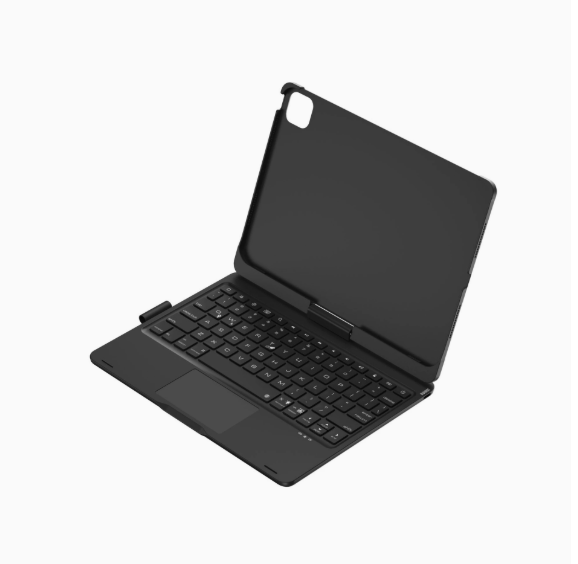

Vue complète
Articles similaires
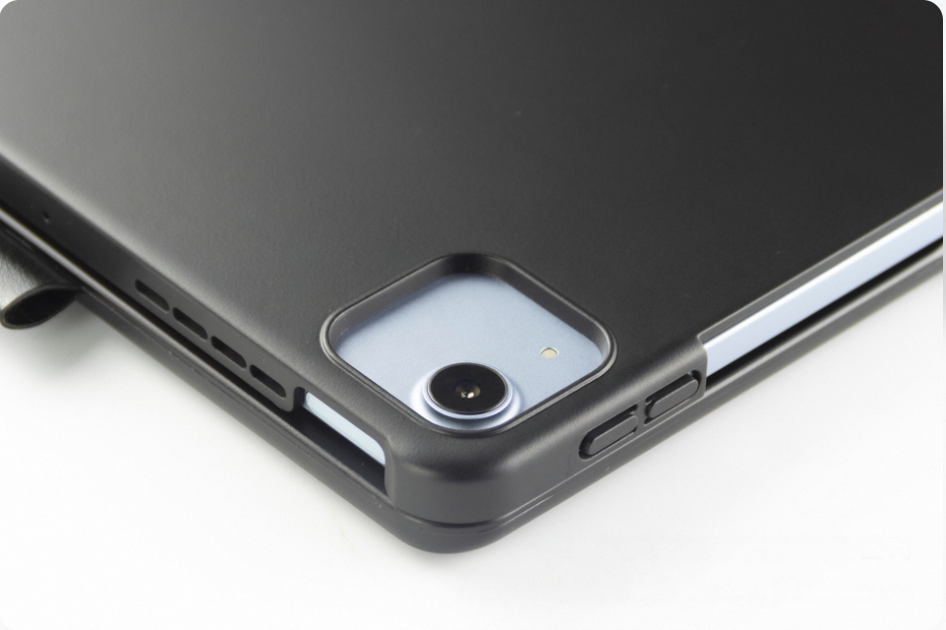
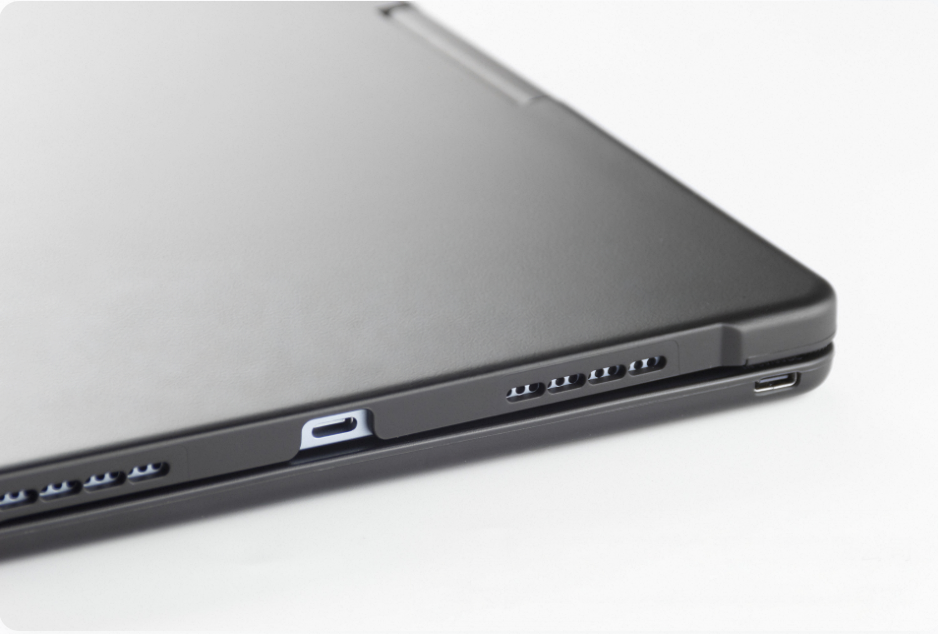
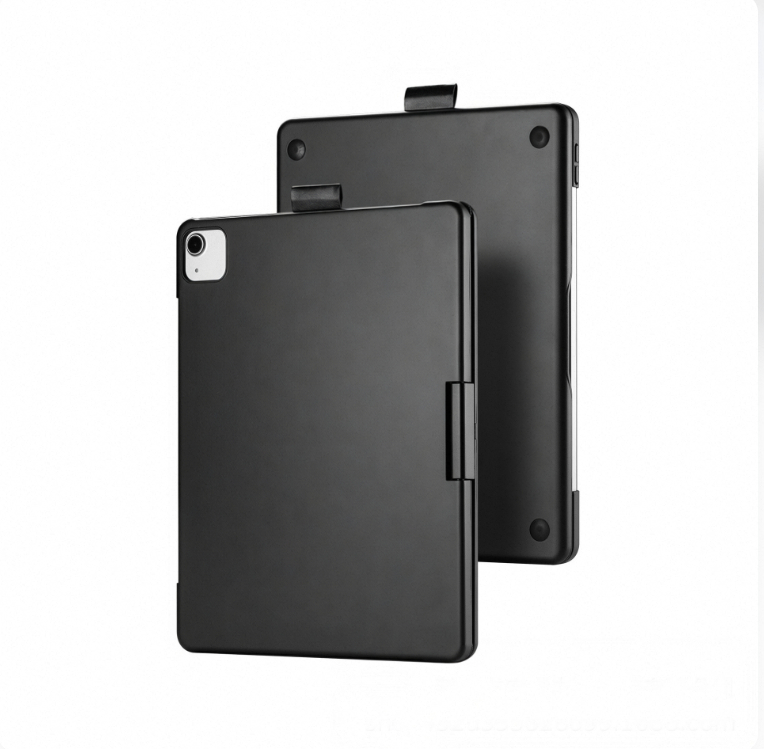
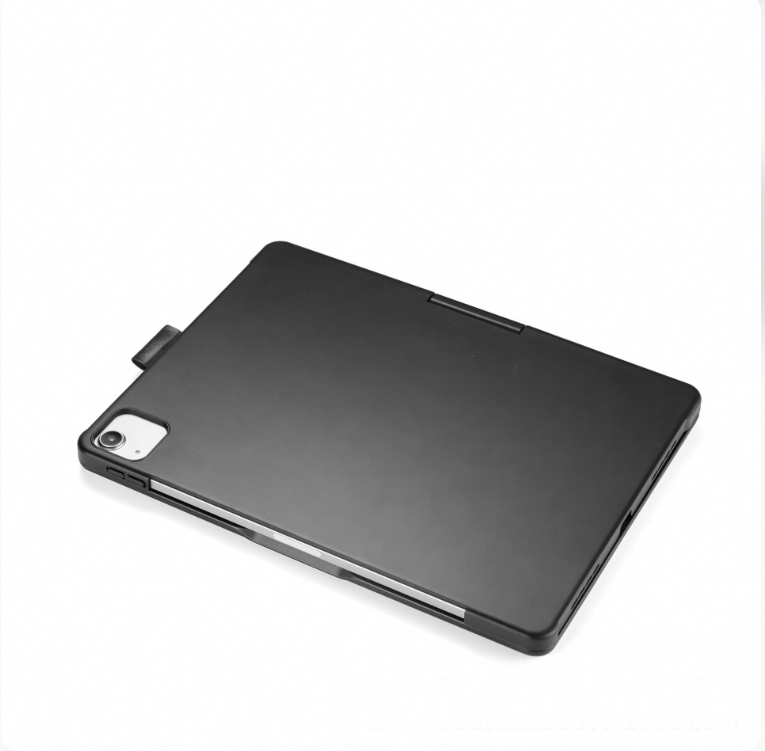
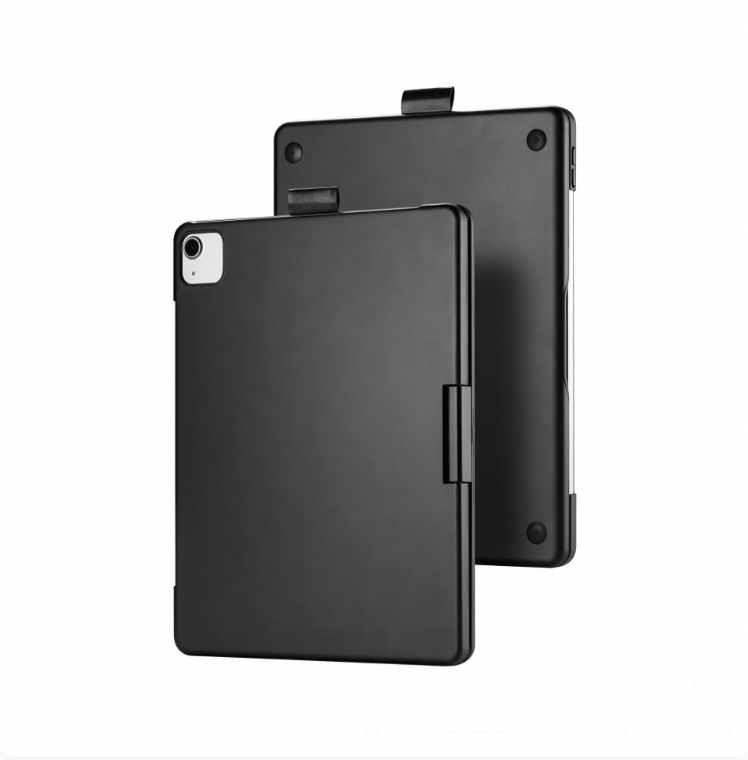
Coque de protection rotative compatible avec l'iPad Air 13 pouces, l'iPad Mini 7 rétroéclairé et le Magic Keyboard.
72,99€101,48€
Couleur : 1) iPad 11e génération A


Quantité :

Rapport
Inclure la violation du droit d'auteurLivraison standard gratuite. Voir les détails
Estimé entre Mon, Jul 20 et Fri, Jul 24
Vous pouvez retourner le produit dans les 30 jours suivant sa réception. Voir les détails
Achetez en toute confiance

Garantie de remboursement
Récupérez l'article que vous avez commandé ou soyez remboursé. Apprendre encore plus
À propos de cet article
Issu de NeoGadget
Le vendeur assume l'entière responsabilité de cette annonce.Numéro d'article: 39456566
Caractéristiques des articles
Condition
Nouveau
Description de l'article par le vendeur
Product Specifications
1. Operating distance: 10m
2. Modulation system: GFSK
3. Operating Voltage: 3.3~4.2V
4. Charging current: 250mA
5. Standby time: 60 days
6. Continuous working time
5 hours (backlight on)/300 hours (backlight off/touch off)
7. Lithium battery capacity: 500mAh
8. Charging time: 3 hours
9. Keyboard lifespan: 5million times 10. Operating temperature: -20~50℃11. Charging temperature: 0~45℃
Packing Information
A: iPad 10.9/ 11inch
1. Single item weight including packaging: 866g
2. Packaging dimensions: 28.5X20.7X2.8cm
3. Box dimensions: 61.5X29.5X22cm 20 pieces per box
4. Gross weight: 19.12kg
B: iPad 7/8/9 generation 10.2inch
1. Single item weight including packaging: 817g
2. Packaging dimensions: 28.5X20.7X2.8cm
3. Box dimensions: 61.5X29.5X22cm 20 pieces per box
4. Gross weight: 19.12kg
C: iPad 13inch
1. Single item weight including packaging: 1445g
2. Packaging dimensions: 32X25.5X3cm
3. Box dimensions: 49.4X33.5X27.2 15 pieces per box
4. Gross weight: 12.7kg
D: iPad mini6/7 8.3inch
1. Single item weight including packaging: 568g
2. Packaging dimensions: 23.7X17.7X2.8cm
3. Box dimensions: 53X26X34 30 pieces/box
4. Gross weight: 18kg
[Bluetooth Connection Steps]
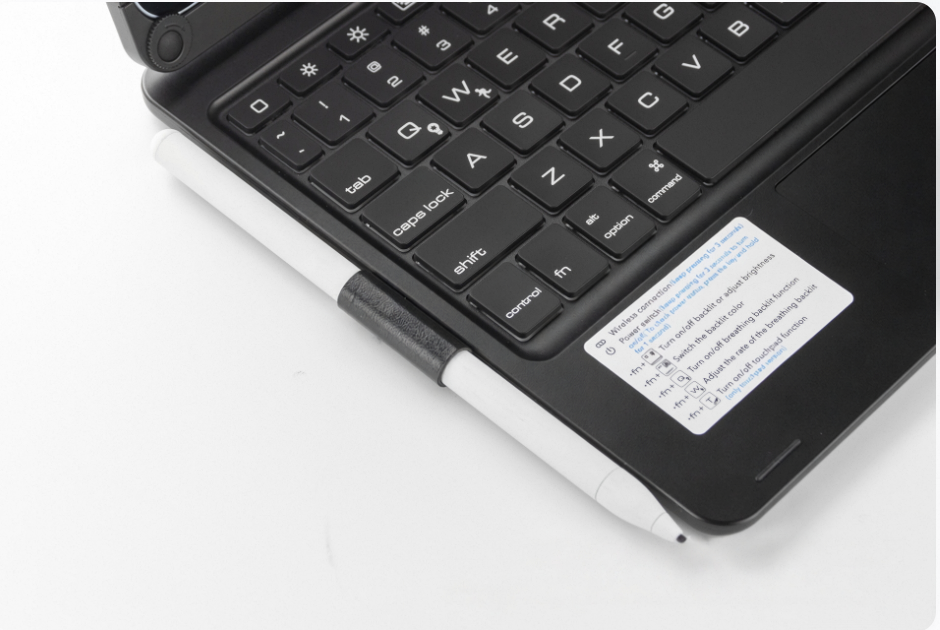
1.Press and hold the power button to turn on the power switch, then press the Fn and C keys to search for Bluetooth (Note: Do not plug in the charging cable when searching for Bluetooth, as it is difficult to connect to Bluetooth while charging)
2.Open the tablet, go to Settings, turn on Bluetooth and add devices, then click on the Add Device tab.Search for nearby devices - [Search for Bluetooth keyboards with a keyboard icon] and click connect.
3.The tablet screen displays a message [Bluetooth pairing request, click on Bluetooth keyboard], you can complete the Bluetooth connection


Vidéos
Vidéos pour ce produit
